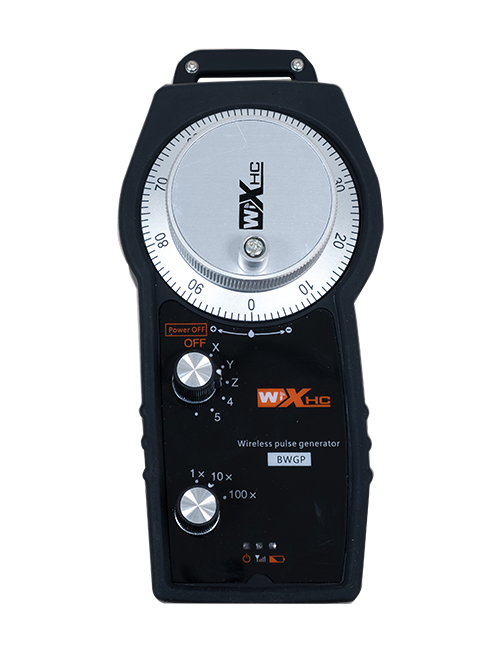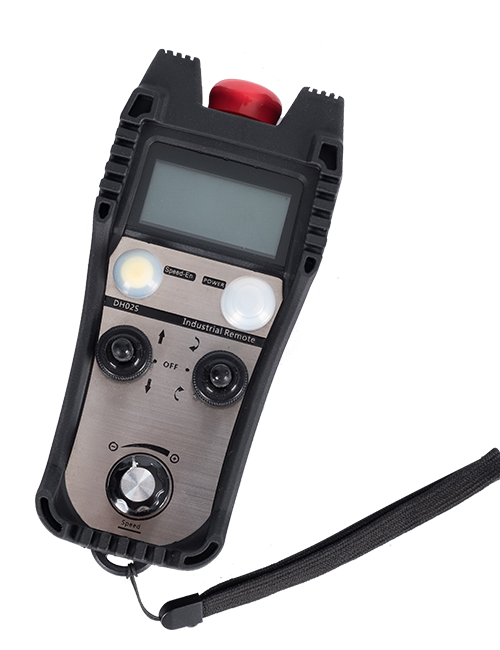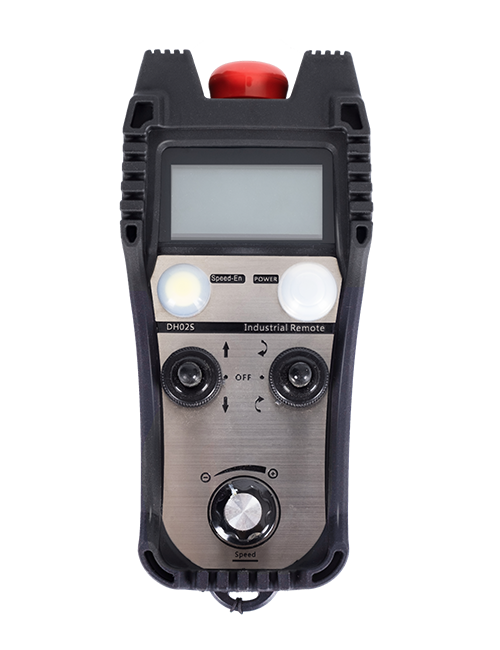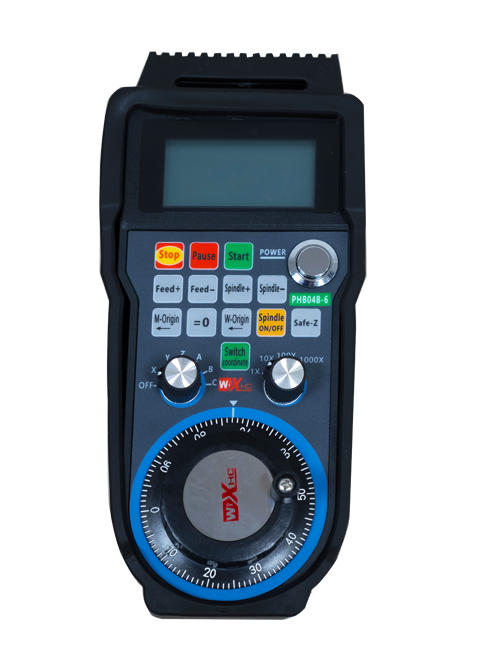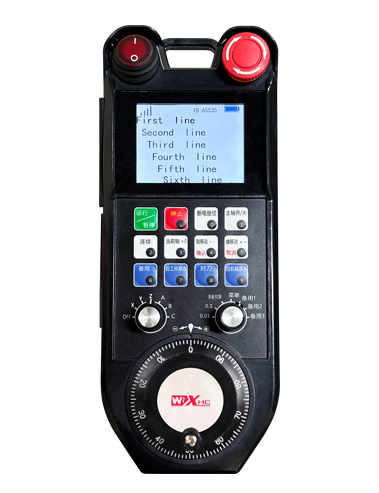
Adopt automatic frequency hopping function,Use 32 sets of wireless remote controls at the same time,No effect on each other
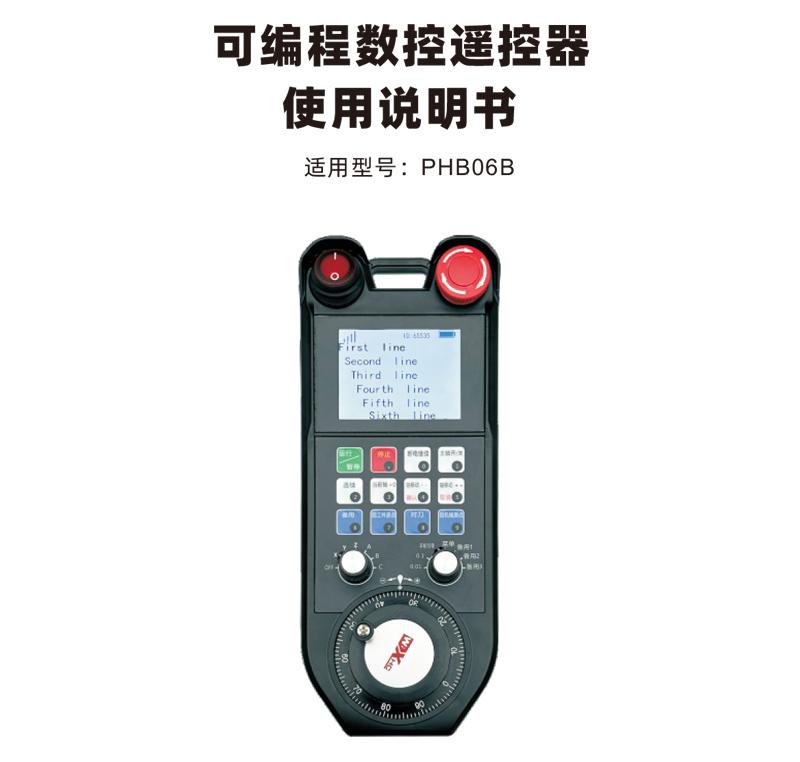
Supports 12 custom key programming
Supports 2.8-inch screen,Display content custom programming






| Handheld terminal operating voltage and current | 4.0V/51.7mA |
| Rechargeable battery specifications |
18650/12580mWh
|
| Handheld terminal low voltage alarm range | <3.2V |
| Handheld terminal transmit power | 15dBm |
| Receiver receiving sensitivity | -100dBm |
| Wireless communication frequency | 433Mhz频段 |
| Button service life | 15Thousands of times |
| Wireless communication distance | Barrier-free distance 80 meters |
| working temperature | -25℃<X<55℃ |
| Anti-fall height (meters) |
1
|
| receiver port | USB2.0 |
| Number of buttons (number) |
12
|
| 显示屏 |
2.8寸
|
| Product weight (g) | 548(remote control) |
| Product size (mm) |
237*94*59.6(remote control)
|

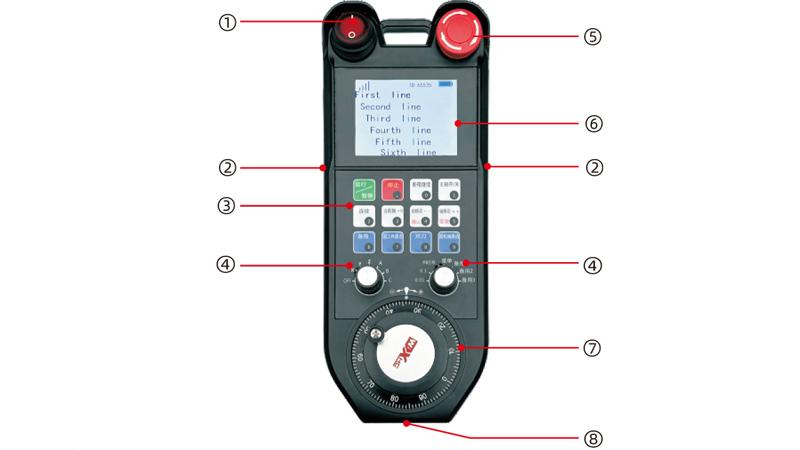
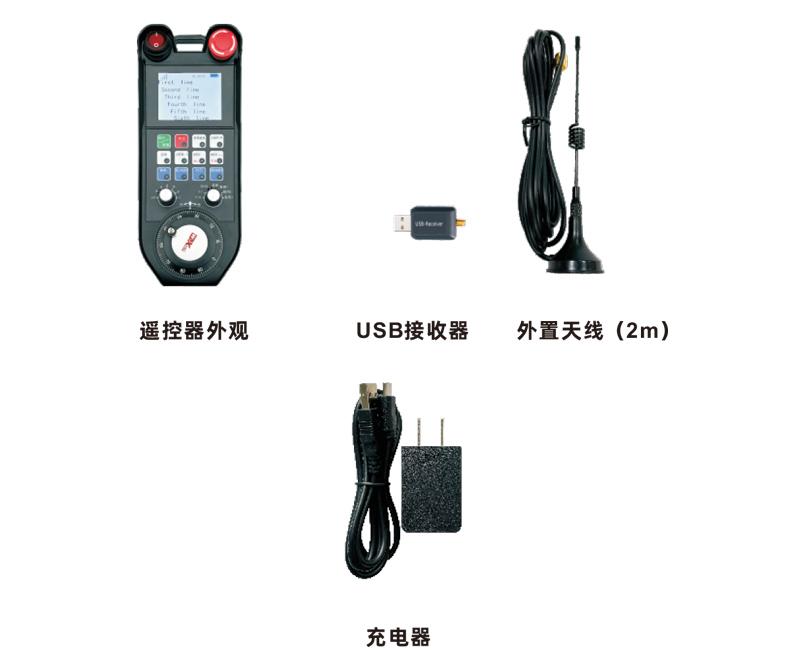
1个6档轴选开关,可以自定义编程;1个7档倍率开关,可以自定义编程;
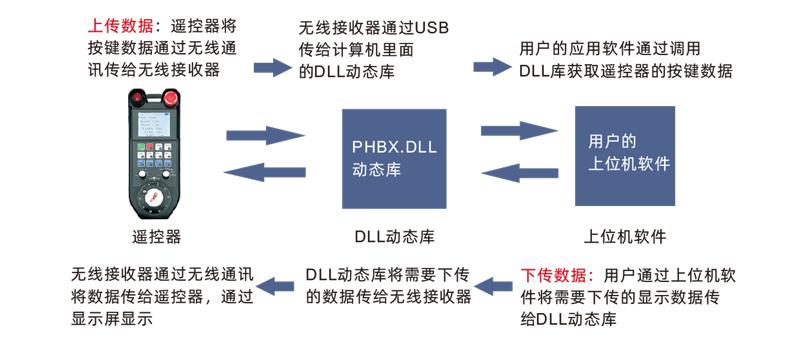
可显示当前电量,信号,以及自定义显示内容;


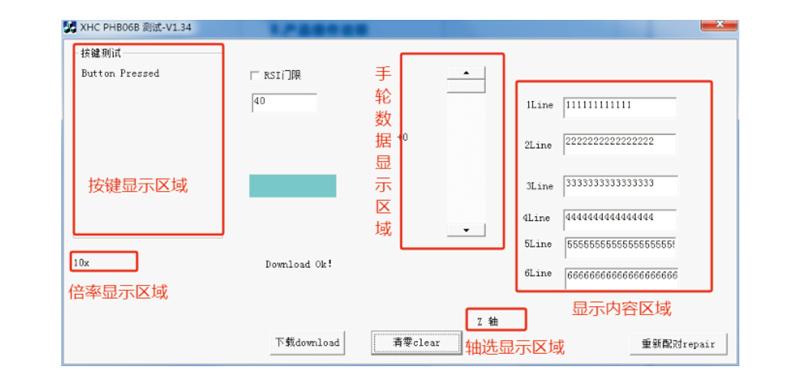
3.After booting,Any key operation can be performed。The remote control can support simultaneous operation of two buttons。按下任意按键时,遥控器上信号旁会显示黑色方块,Indicates that this button is valid。


| Failure situation | Possible reasons | Troubleshooting |
|
打开开机键,
显示屏不亮,
Unable to turn on and off
|
1.遥控器未安装电池
或电池方向安装错误
2.Battery is low
3.Remote control failure
|
1.Check the battery installation status of the remote control
2.Charge the remote control
3.Contact the manufacturer and return to the factory for maintenance
|
|
Plug in the USB receiver,
电脑提示无法识别
和安装驱动失败
|
1.电脑USB接口深度不合
适,Causes poor contact at the socket
2.Receiver USB failure
3.Computer USB is not compatible
|
1.Laptop using USB splitter;
Desktop computer plugged into the back of the host;
2.使用Demo软件检测USB
接收器是否正常工作
3.Replace a computer for comparison testing
|
|
Remote control buttons,
Software is unresponsive
|
1.USB receiver not plugged in
2.The remote control is out of power
3.The remote control and receiver IDs do not match
4.Wireless signal interruption
5.Remote control failure
|
1.Plug the USB receiver into the computer
2.Remote control charging
3.检查遥控器和接收器的标
签,Confirm that the ID numbers are consistent
4.使用Demo软件进行配对
5.Contact the manufacturer and return to the factory for maintenance
|

6.Pay attention to moisture-proofing when storing and transporting。

.png)